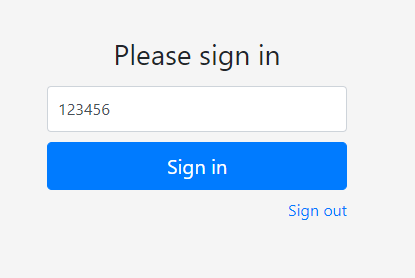
How to Use 2FA When Logging into IntelliMed
Two factor authentication (2FA) is a security measure that enhances the security protections of the online accounts of users. This guide demonstrates how to login using two factor authentication codes or tokens.
To learn how to set up 2FA for an IntelliMed user, see our guide here.
1
Log into IntelliMed
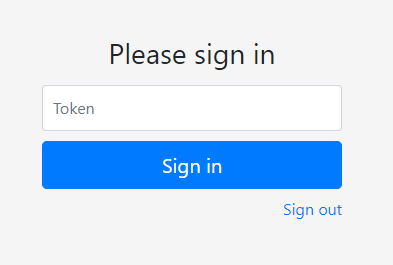
Firstly log into your IntelliMed user account using your username and password. The next page will then ask for a token to sign in, as shown in the adjacent picture.
2
Retrieve 2FA Token from Authenticator App
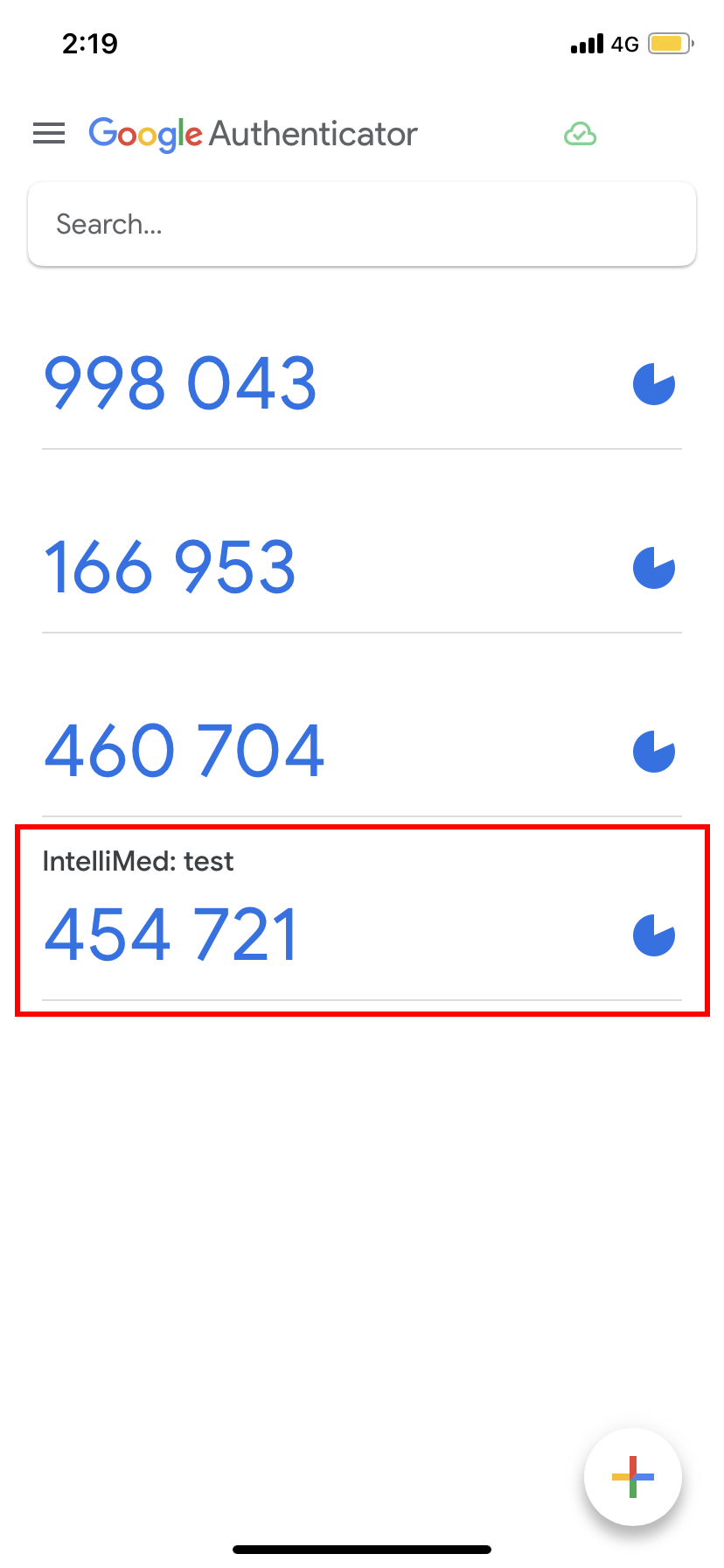
This requested token is a 6-digit number. This number is found on the authenticator app on the device registered to your IntelliMed user account, found under the name "IntelliMed: <<user name>>".
The example shown below depicts the 2FA token generated for the IntelliMed user called "test", stored on the Google Authenticator app.
3
Enter your 2FA Token
Finally, enter this 2FA token found in the authenticator app on your registered device and click "Sign in".
You have now successfully signed in to IntelliMed using the two factor authentication!